


By feature
Robotic pool cleaners with navigation that covers the whole pool
Top pick: Dolphin Sigma
Live prices · Free shipping · 30 Day Trial
The short answer
Good navigation shows up as even coverage, not speed. Here is how each Dolphin finds its way, what none of them can do, and which suits your pool's shape.
The Dolphin Sigma has the most advanced navigation of the Dolphins here: SmartNav 3.0 with an onboard gyroscope, the pick for freeform and obstacle-heavy pools. For a pool up to 33 ft, the Dolphin Cayman runs SmartNav 2.0 and is the sensible buy. The Dolphin Premier and Dolphin Quantum use SmartNav 2.0 scanning in pools up to 50 ft, and the Quantum's senses ladders and drains.
You notice bad navigation as a pattern on the floor: one end of the pool spotless, a strip along the far wall untouched, the same corner cleaned four times over. The robot ran its whole cycle. It simply kept going back to where it had already been.
Navigation is the part of a robot that prevents that. It decides where to turn, when to climb, and how to spread a fixed cycle over the whole pool. To find the best robotic pool cleaner with navigation you can rely on, start by knowing what these systems are. Dolphin's is called SmartNav, and it comes in two versions in these guides: 2.0 scanning on four robots, and 3.0 with an onboard gyroscope on one. None of them maps your pool with cameras or sonar.
Our picks, in order
Four Dolphins, ranked on how they find their way.
- 1
 $2349
$2999Save $650Temporarily out of stock
SmartNav 3.0 with an onboard gyroscope
Dolphin Sigma
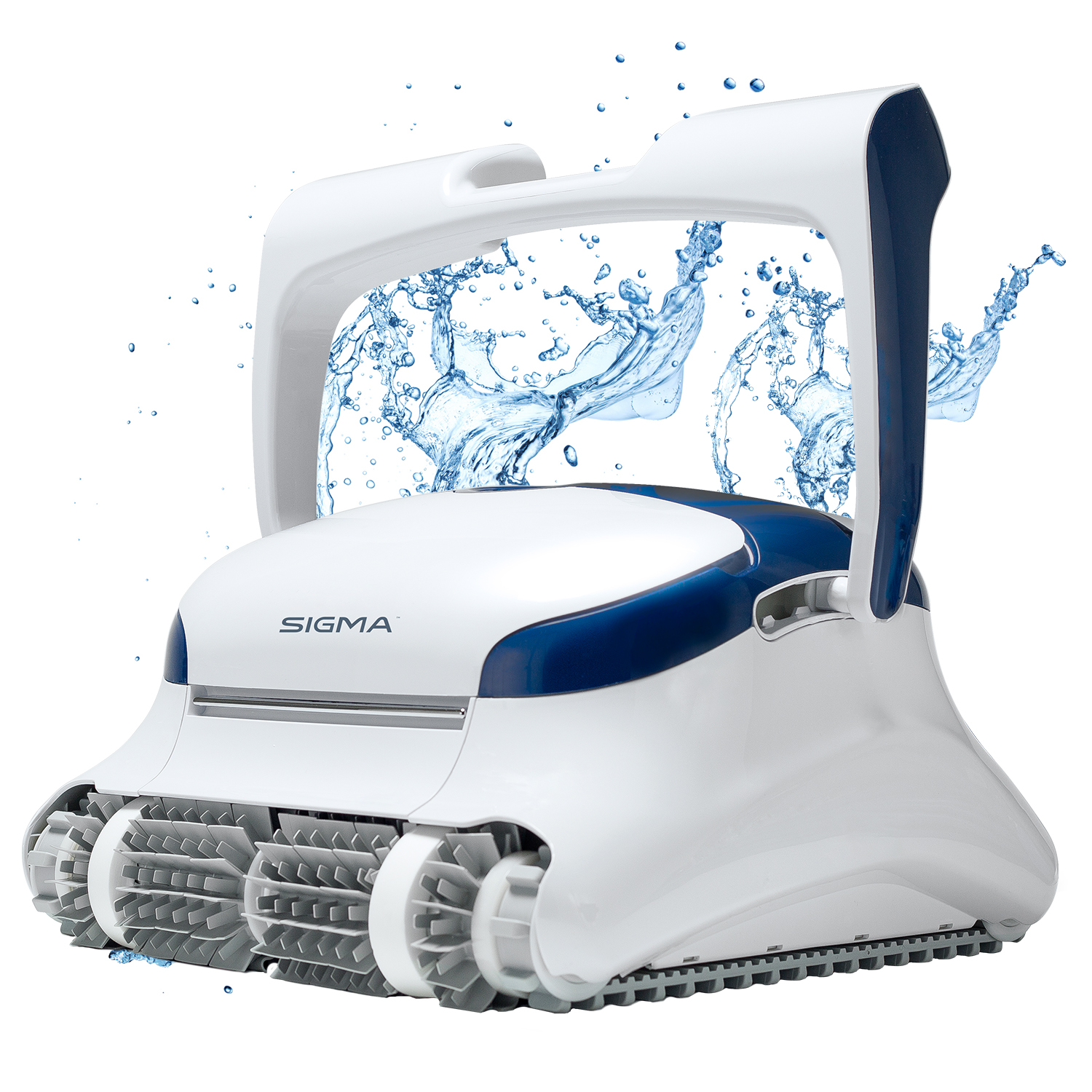
The Sigma is the one robot on this page with SmartNav 3.0 and an onboard gyroscope. The gyroscope gives it a sense of heading and tilt. With that it can run straight across open floor, tell a wall or a slope from flat ground, and pick its heading back up after a step or a drain cover turns it. In a freeform pool, that recovery is what sets it apart.
It backs the navigation with hardware that keeps it on course: HyperGrip tracks, three commercial-grade ProLine motors, and a 55 ft cable with a 360-degree anti-tangle swivel.
- Best for
- Freeform, sloped or obstacle-heavy in-ground pools up to 50 ft.
- Keep in mind
- Of the four it has the highest price, and it weighs 24.6 lb. In a plain rectangle you may never see what the gyroscope is doing for you.
- 2
 $1049
$1299Save $250Temporarily out of stock
SmartNav 2.0, matched to pools up to 33 ft
Dolphin Cayman
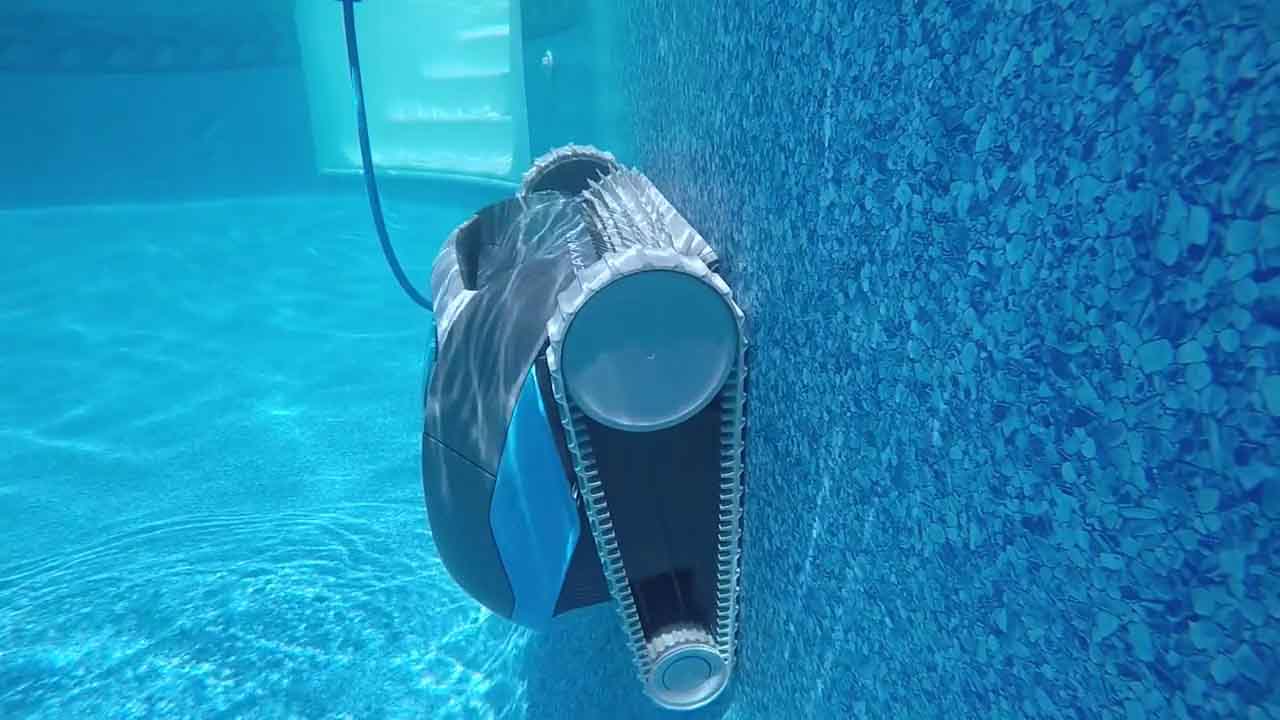
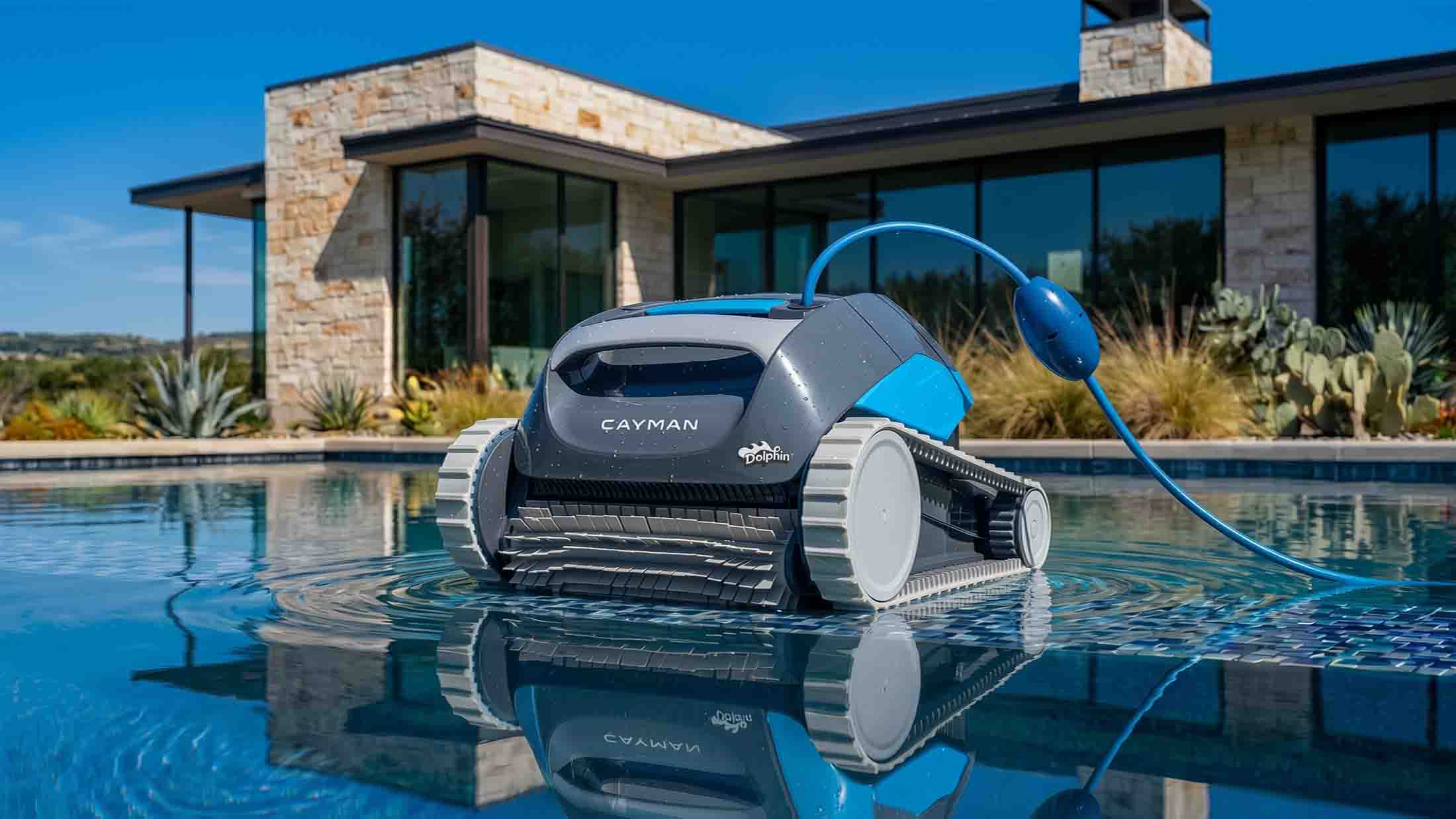
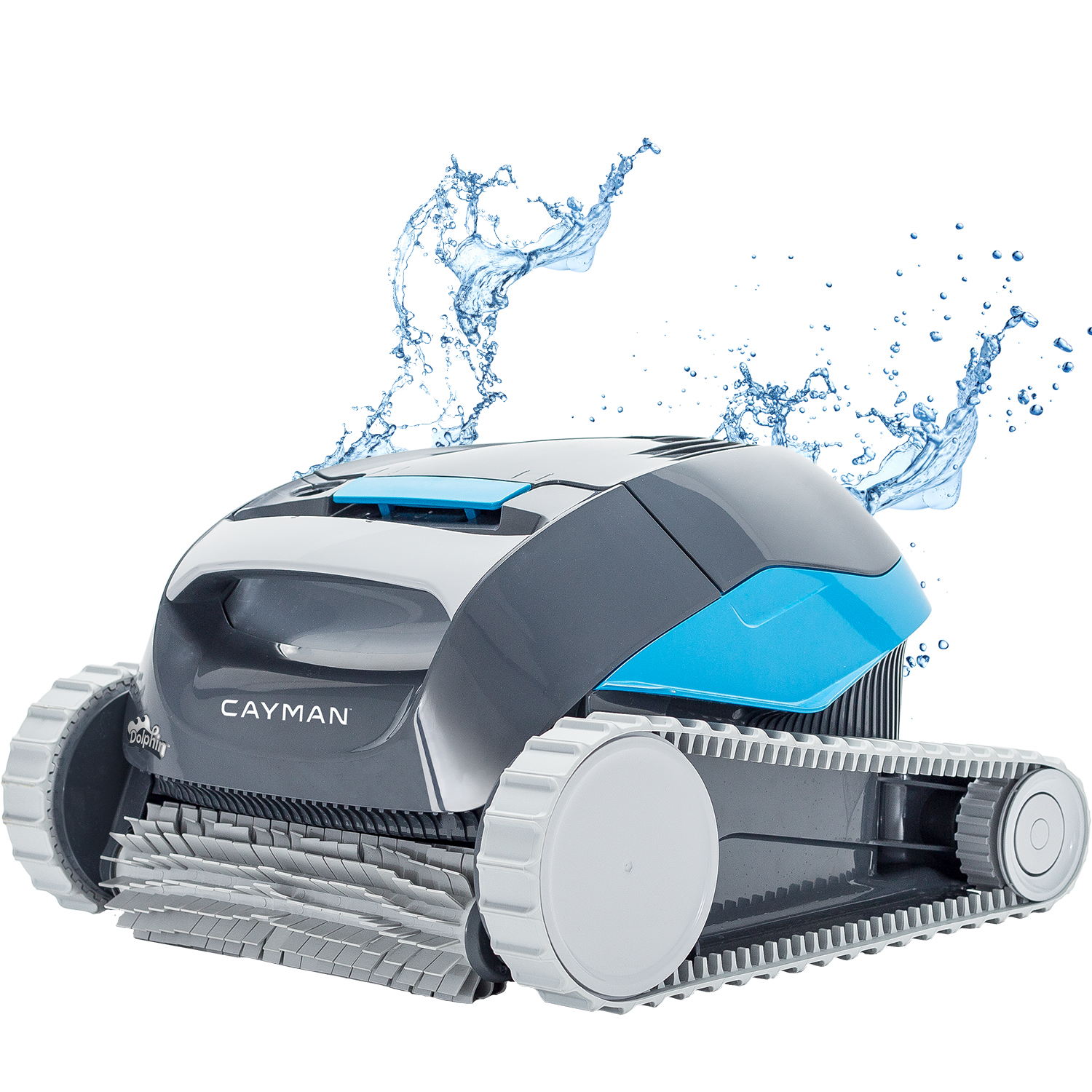
The Cayman runs SmartNav 2.0, the same generation of navigation as the Premier and Quantum. So why second? Because navigation is judged by coverage, and the Cayman is built for pools up to 33 ft, where a 2-hour cycle has less ground to spread over. Its published obstacles include steps, ladders, drain covers and ledges, and its published shapes are rectangle, oval and freeform.
It is also the lowest-priced of the four picks, at 14.6 lb, and because its timer repeats the cycle daily, a spot missed on Monday gets another pass on Tuesday.
- Best for
- In-ground or above-ground pools up to 33 ft with a simple or gently curved shape.
- Keep in mind
- Its 50 ft cable is a plain one with no rotating joint, so cable twist can pull it off line in a very curvy pool. Floor and walls only.
- 3
 $1949
$2499Save $550Temporarily out of stock
SmartNav 2.0 scanning with time to cover 50 ft
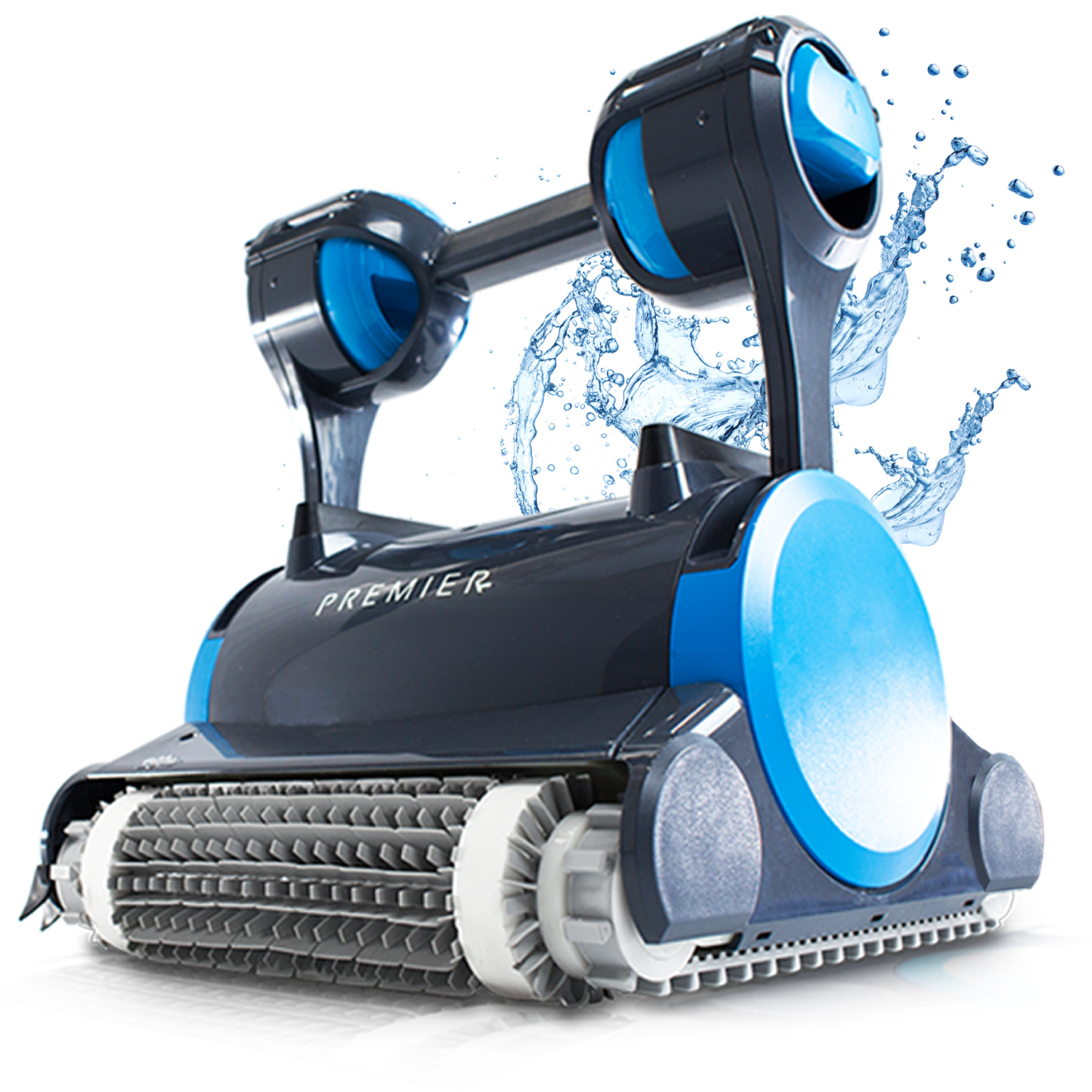
Dolphin Premier
The Premier uses SmartNav 2.0 scanning and gives it the longest cycle of the four picks: 3 hours. In a 50 ft pool, that lets the robot work the floor, climb the walls and reach the waterline without shortchanging the far end. Its published shapes include L-shaped pools, a layout no other pick lists.
A 55 ft cable with a 360-degree anti-tangle swivel stops the cable undoing what the navigation planned. Third place comes down to price: its navigation is the same generation as the Cayman's, and it costs more. You buy it for the pool size, the waterline and the 3-year warranty.
- Best for
- In-ground pools up to 50 ft, L-shaped pools included, where a long cycle gives full coverage time.
- Keep in mind
- At 20.3 lb and an upper price position, it is more robot than a pool under 33 ft needs. Controls are on the power supply only.
- 4
 $1599
$1799Save $200Temporarily out of stock
SmartNav 2.0 that senses ladders and drains
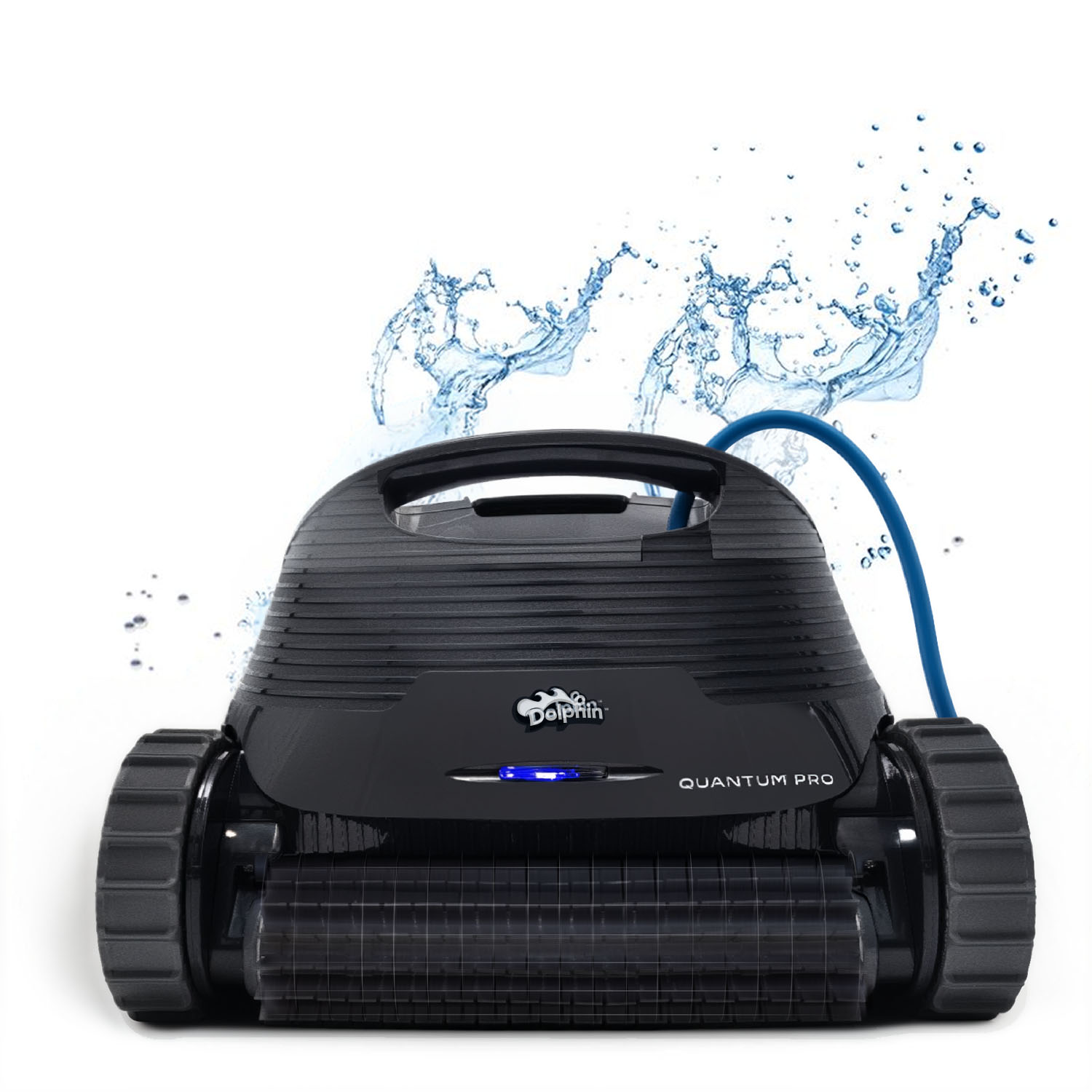
Dolphin Quantum
The Quantum's SmartNav 2.0 is described as sensing ladders and drains, two fixtures that readily interrupt a robot's pattern. It also goes where the others do not: sun shelves, Baja ledges and stairs are on its coverage list, along with floor, walls and waterline.
It sits fourth on this site, and the gap to third is small. Its cycle is 2 hours, shorter than the Premier's, so it has less time to spread over a pool near 50 ft. Against that, it is the lowest-priced 50 ft robot here, has an anti-tangle swivel, and offers cleaning modes in its app.
- Best for
- In-ground pools up to 50 ft with ladders, raised drains, ledges or stairs.
- Keep in mind
- A 2-hour cycle is brisk for a pool near 50 ft. If the pool is freeform as well as large, look at the Sigma.


How to judge a robot for this
How to judge navigation before you buy.
- 1
Coverage, not speed
A robot that finishes fast but misses a third of the floor has not navigated well. Judge navigation by whether the whole pool gets cleaned within the cycle, far end and walls included. A longer cycle gives any system more time to get there.
- 2
Shape and obstacles
A rectangle is easy. Curves, coves, steps, ladders and raised drains each knock a robot off its line. The more of these your pool has, the more it is worth paying for a system that can recover its heading.
- 3
Slopes and walls
On a steep floor or a wall, a robot has to know it is tilted in order to hold its course. A gyroscope reports direction and tilt. A robot lacking one relies on its scanning pattern, which copes well in simpler pools.
- 4
The cable
Navigation is not only electronics. A twisted cable pulls a robot off the path its software chose. A swivel reduces that, and so does good cable handling, so count the cable as part of how a robot finds its way.
Side by side
Navigation, cycle and cable compared.
| Specification | Dolphin Sigma | Dolphin Cayman | Dolphin Premier | Dolphin Quantum |
|---|---|---|---|---|
| Price today | $2349 | $1049 | $1949 | $1599 |
| Cleans | Floor, walls and waterline | Floor and walls | Floor, walls and waterline | Floor, walls, waterline, sun shelves and stairs |
| Scheduling | Weekly scheduler by day and time | Timer: every day | Weekly timer: every day, every 2 days or every 3 days | Weekly timer: every day, every 2 days or every 3 days |
| App | myDolphin Plus (Wi-Fi and Bluetooth) | No app; controls on the power supply | No app; controls on the power supply | myDolphin Plus (Wi-Fi) |
| Filtration | NanoFilters and standard filter cartridges | MaxBin basket with fine panels; NanoFilter panels optional | Multi-Media: NanoFilters, oversized leaf bag and standard fine filters | XXL MaxBin basket with standard and NanoFilter panels |
| Brushes | Quad scrubbing brushes | HyperBrush | Dual scrubbing brushes | Dual HyperBrush |
| Navigation | SmartNav 3.0 with gyroscope | SmartNav 2.0 | SmartNav 2.0 | SmartNav 2.0 |
| Cable | 55 ft with 360° anti-tangle swivel | 50 ft | 55 ft with 360° anti-tangle swivel | 55 ft with anti-tangle swivel |
| Warranty | 3 years | 2 years | 3 years | 2 years |
What smart navigation is, and is not.
It pays to be exact, because the word smart gets stretched. None of the robots on this page builds a map of your pool. None uses cameras or sonar. None sees dirt and drives toward it. What they have is scanning navigation that organizes the cycle into a pattern of floor passes and wall climbs and, on the Sigma, a gyroscope that keeps that pattern true when something knocks the robot off it.
That is still a long way from a cleaner that bounces off walls at random. A patterned robot spends its cycle on new ground. A random one spends much of it re-cleaning. Set your expectations by coverage over a few cycles, not by whether the robot appears to know where it is.
How to tell whether a robot is navigating well.
Watch one full cycle, then judge by the results of three or four. A single cycle can miss a spot for ordinary reasons. A pattern across several is the real evidence. If the same strip is missed every time, look at the cable and the position of the power supply before you blame the software.
Good navigation looks like this:
- The far end and the corners come out as clean as the middle.
- Walls are cleaned around the whole pool, not only near the power supply.
- The robot does not sit for long spells against a step, ladder or drain.
- At the end of the cycle the cable still lies in open curves, not tight coils.
Help any robot navigate better.
- Put the power supply at the middle of the pool's long side, so the cable pulls evenly and the robot can reach both ends.
- Lay the cable out straight before a cycle. A coiled cable can steer a robot more than its software does.
- Start with a clean filter. A robot that cannot climb because its filter is clogged looks like a robot that cannot navigate.
- Give a new robot several cycles before judging coverage, and judge by the pool, not by ten minutes of watching.
Questions, answered
Navigation questions.
How does a robotic pool cleaner know where to go?
It follows navigation software. On the Dolphins here that is SmartNav. The Sigma has version 3.0 with an onboard gyroscope, and the other four run version 2.0 scanning. The software sets a pattern of floor passes and wall climbs for the cycle. A robotic pool cleaner with navigation of this kind covers more new ground than one that turns at random.
Do pool robots map the pool?
Not these. None of the five Dolphins here maps a pool with cameras or sonar, and none stores a floor plan. They navigate by a scanning pattern, and the Sigma adds a gyroscope for direction and tilt. What you should expect is even coverage, which is the result a map would be for.
Why does my robot keep cleaning the same spot?
Check three things before the navigation. A twisted cable can hold a robot in one area. A power supply placed at one end leaves the far end short of cable. And a clogged filter stops wall climbs, which keeps the robot on the floor. If all three are right and the same strip is still missed across several cycles, ask a Dolphin expert.
Is SmartNav 3.0 worth paying for over SmartNav 2.0?
In a freeform, sloped or obstacle-heavy pool, yes. The Sigma's gyroscope helps it hold its line and recover after being turned, and those are the pools where robots lose their way. In a rectangle or a simple oval, SmartNav 2.0 does the job, and the money is better spent on getting the right pool size and coverage.
Does navigation matter in a small pool?
Less, but it still matters. A small pool gives the robot fewer places to go astray and more time per square foot, which is why SmartNav 2.0 on the Cayman is well matched to pools up to 33 ft. Obstacles count more than size: a small pool with wide steps and a ladder can be trickier than a large open one.
The verdict
Choose by shape first.
Complicated pool, any length up to 50 ft: the Sigma, because a gyroscope is what keeps a robot on course when the pool keeps knocking it off. Ordinary shape up to 33 ft: the Cayman, which gives you SmartNav 2.0 at a lower price. Ordinary shape up to 50 ft: the Premier for its long cycle, or the Quantum if ladders, drains, ledges and stairs are the obstacles. Whichever you choose, mind the cable. It steers the robot too.
Keep reading