


By feature
The best robotic pool cleaner with automatic scheduling, by how exact you need it
Top pick: Dolphin Sigma
Live prices · Free shipping · 30 Day Trial
The short answer
Some pools only need a robot that repeats; others need it to run overnight on Thursday, after the service visit, with the pump off.
The Dolphin Sigma leads: its app schedules cleaning by day and time, over Wi-Fi and Bluetooth, and sends a filter alert. The Dolphin Quantum schedules in its app too and keeps a three-preset timer on the power supply, for less money. The Dolphin Premier repeats on presets without a phone, and the Dolphin Cayman runs every day and nothing else.
A repeat timer answers one question: how often. The best robotic pool cleaner with automatic scheduling answers a second one: exactly when. That matters more than it sounds. A robot that starts at a fixed hour can work while the pump is off and the debris has settled, finish before anyone swims, and stay out of the way on the day the pool service comes.
Among the five Dolphins compared here, scheduling ranges from a full weekly calendar in an app to a single daily setting. This page ranks them by how much control they give you over the day and the hour, and it is frank about the ones that only repeat. If repeating is all you need, a simpler robot will save you money.
Our picks, in order
Ranked by control over day and hour.
- 1
 $2349
$2999Save $650Temporarily out of stock
Schedules by day and time in the app
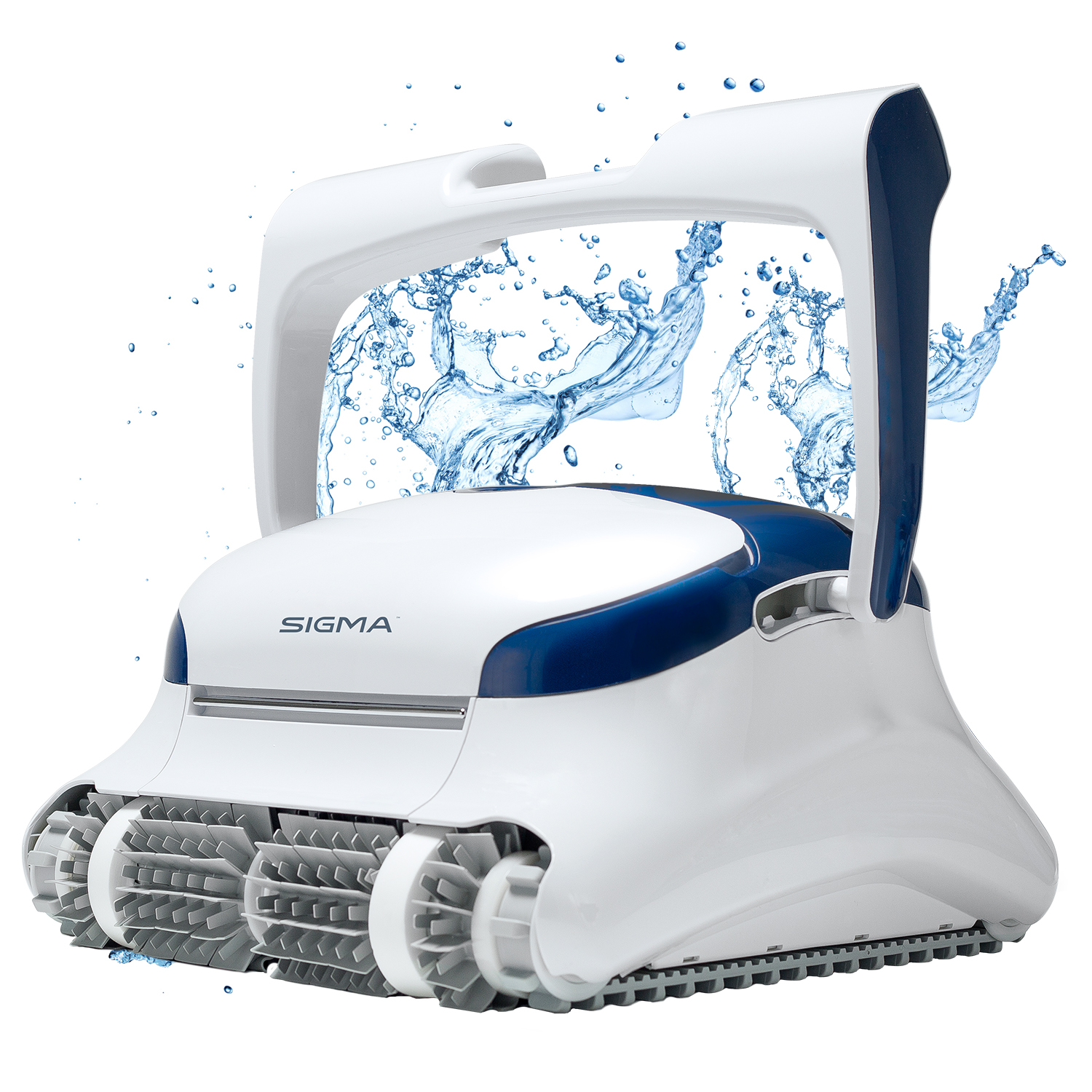
Dolphin Sigma
The Sigma has the most complete scheduler of the five robots here. In the myDolphin Plus app you build the week: which days, what time. The app connects over Wi-Fi and Bluetooth, so you can set it up standing at the pool and change it later from indoors. It also sends a filter alert and takes Siri voice commands. Behind the schedule is the most cleaning hardware on this page: three ProLine motors, quad scrubbing brushes and SmartNav 3.0 with a gyroscope. It is the highest-priced pick; check the live price on the card.
- Best for
- Owners whose week has fixed points: a service day, a mowing day, weekend guests.
- Keep in mind
- The schedule lives in the app, so plan on using a phone. At 24.6 lb it is also the heaviest robot here.
- 2
 $1599
$1799Save $200Temporarily out of stock
App schedule plus a button timer
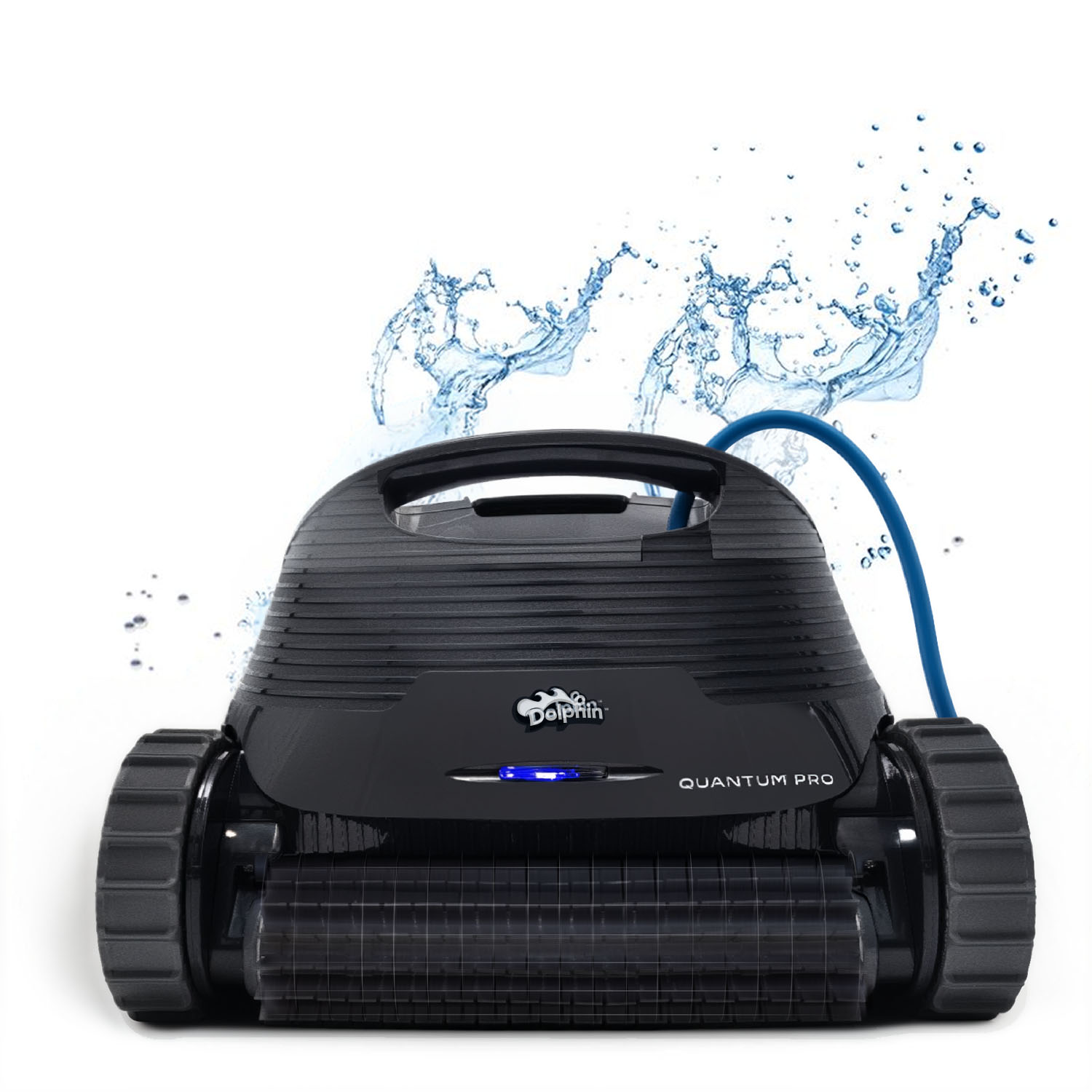
Dolphin Quantum
The Quantum gives you two schedulers. In the myDolphin Plus app, over Wi-Fi, you can start, stop and schedule the robot, choose cleaning modes and receive alerts. On the power supply there is a weekly timer with three presets: every day, every 2 days or every 3 days. That pairing is its strength. Use the app when timing matters, and fall back on the button when the phone is elsewhere or a house sitter is in charge. Among the 50 ft robots here it carries the lowest price, and it cleans floor, walls and waterline in 2 hours.
- Best for
- Owners who want app scheduling at a lower price, with a no-phone timer as backup.
- Keep in mind
- Its app connects over Wi-Fi, so the signal has to reach the power supply. The warranty is 2 years.
- 3
 $1949
$2499Save $550Temporarily out of stock
Reliable repeats with no phone at all
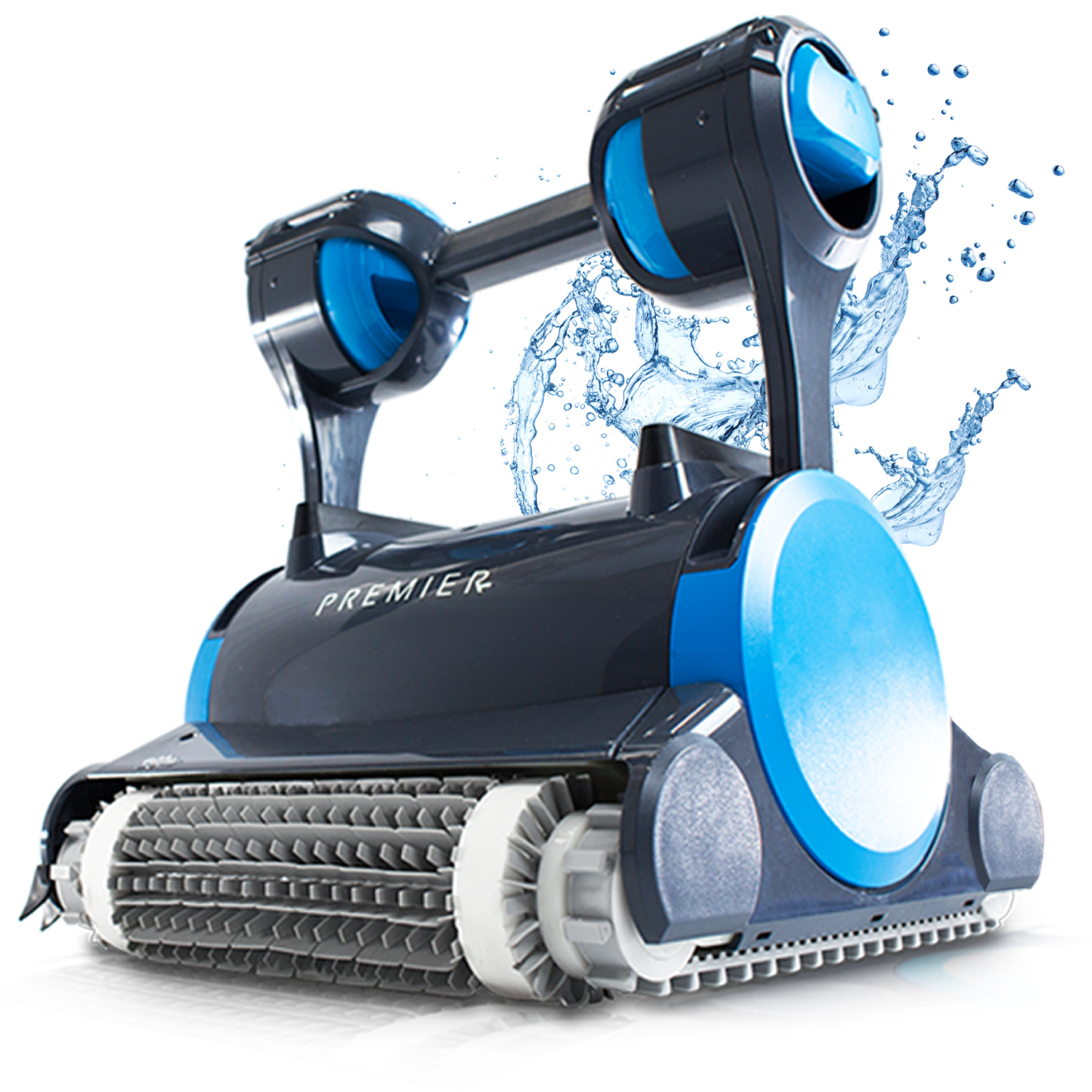
Dolphin Premier
The Premier does not schedule by the clock. Its timer, set on the power supply, repeats a cycle every day, every 2 days or every 3 days, and that is the extent of it. It ranks third for that reason alone. If your real need is a pool cleaned regularly without anyone remembering, it meets it with less to go wrong: no account, no router, no update. A full-filter indicator on the power supply stands in for a phone alert. And anyone in the household, or a pool sitter, can change the interval at the power supply without your login.
- Best for
- Owners who need regular cleaning but not exact timing, and prefer a button to a login.
- Keep in mind
- You choose the gap, not the day or the hour. There is no remote start and no alert away from the pool.
- 4
 $1049
$1299Save $250Temporarily out of stock
A fixed daily routine, nothing to program
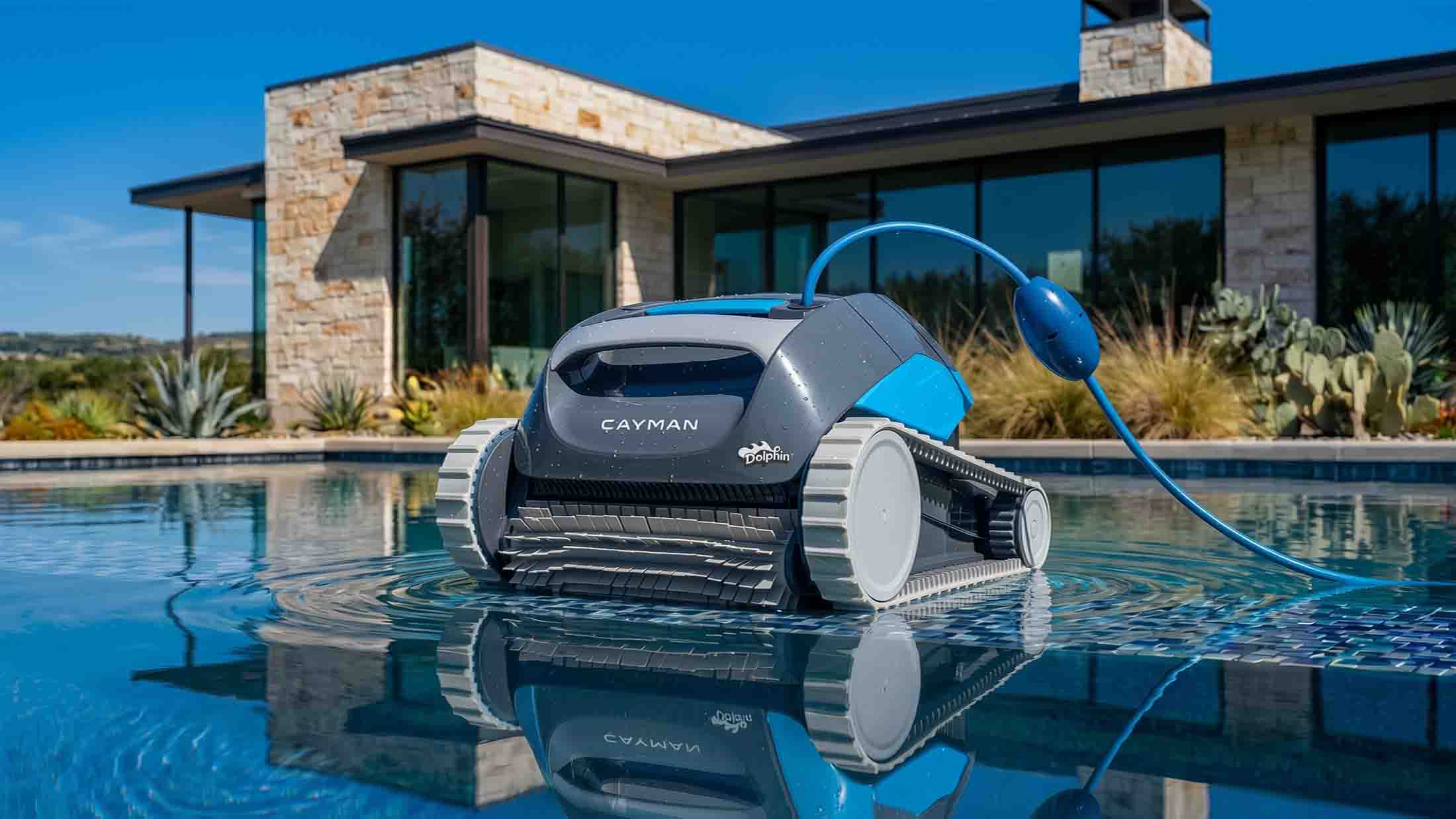
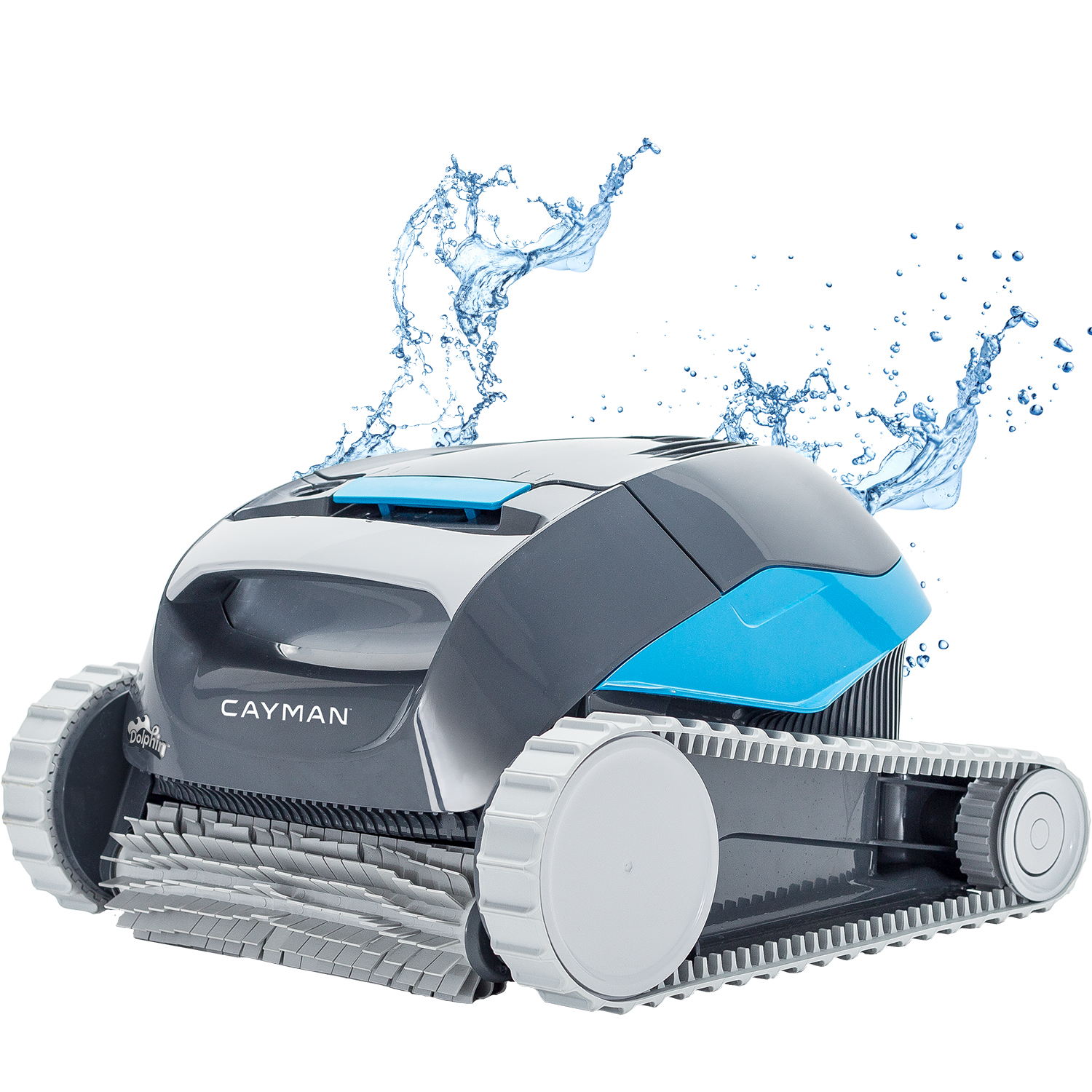
Dolphin Cayman
The Cayman automates one routine: a cycle every day. There is no calendar and no interval choice, which is why it is last on a page about scheduling. It is still automatic in the way many owners mean the word. Switch the timer on at the power supply and a 2-hour cycle of floor and walls happens daily in a pool up to 33 ft, in-ground or above-ground. It is the lowest-priced pick here, weighs 14.6 lb and empties through a top hatch. If you need to choose days or times, it is the wrong robot.
- Best for
- Pools up to 33 ft where a clean floor every morning is the whole requirement.
- Keep in mind
- One setting only. No choice of days or hours, no phone control, and it turns back under the surface on walls.


How to judge a robot for this
How to judge a scheduler.
- 1
Days and times, or only a gap
A true scheduler lets you name the days and the start time. An interval timer only sets the gap between cycles. Both are automatic, but only the first can avoid Saturday afternoon or follow a Wednesday service visit.
- 2
Where the schedule is set
App schedules need a phone and a connection at the power supply. Button timers need neither. Decide whether everyone who looks after the pool, a house sitter included, can work the method you choose.
- 3
A way to hear about a full filter
A schedule keeps running whether the filter is empty or packed. An alert in the app, or an indicator on the power supply, tells you before three cycles in a row are wasted.
- 4
A fallback when the phone is away
Phones get replaced, routers get moved and guests do not have your login. A robot that also has a timer on its power supply keeps a routine going without any of them.
Side by side
Scheduling and specs compared.
| Specification | Dolphin Sigma | Dolphin Quantum | Dolphin Premier | Dolphin Cayman |
|---|---|---|---|---|
| Price today | $2349 | $1599 | $1949 | $1049 |
| Cleans | Floor, walls and waterline | Floor, walls, waterline, sun shelves and stairs | Floor, walls and waterline | Floor and walls |
| Scheduling | Weekly scheduler by day and time | Weekly timer: every day, every 2 days or every 3 days | Weekly timer: every day, every 2 days or every 3 days | Timer: every day |
| App | myDolphin Plus (Wi-Fi and Bluetooth) | myDolphin Plus (Wi-Fi) | No app; controls on the power supply | No app; controls on the power supply |
| Filtration | NanoFilters and standard filter cartridges | XXL MaxBin basket with standard and NanoFilter panels | Multi-Media: NanoFilters, oversized leaf bag and standard fine filters | MaxBin basket with fine panels; NanoFilter panels optional |
| Brushes | Quad scrubbing brushes | Dual HyperBrush | Dual scrubbing brushes | HyperBrush |
| Navigation | SmartNav 3.0 with gyroscope | SmartNav 2.0 | SmartNav 2.0 | SmartNav 2.0 |
| Cable | 55 ft with 360° anti-tangle swivel | 55 ft with anti-tangle swivel | 55 ft with 360° anti-tangle swivel | 50 ft |
| Warranty | 3 years | 2 years | 3 years | 2 years |
When the exact hour matters.
Plenty of owners never need more than a repeat. These are the cases where naming the day and the hour pays off.
- Overnight. The pool is empty, the day's debris has settled, and the floor is clean by breakfast.
- After the service visit. A technician brushes the walls and steps and leaves dust on the floor. A cycle a few hours later collects it.
- While the pump is off. Still water lets fine debris sink to where the robot can reach it. If your pump runs on a timer of its own, set the robot for the gap.
- Around people. Skip the hours when children swim, and run before guests arrive, not during.
- After yard work. If the lawn is mowed on Thursdays, Thursday evening is when the clippings are in the pool.
What a schedule cannot do for you.
Scheduling removes the remembering. It does not remove the upkeep, and it adds a few dependencies of its own. The robot has to be in the water, plugged in, with room left in its filter, or the scheduled cycle achieves little.
Robots on a schedule are made to stay in the pool between cycles, but they come out at least weekly for a filter rinse, before you shock or add chemicals, and for storage out of the sun when the pool goes unused for a long stretch. App schedules also rely on Wi-Fi reaching the power supply, so check the signal at that spot before you count on it.
Building a schedule that works.
- Write down your week first: pump hours, service day, mowing day, the hours people swim. The schedule falls out of the gaps.
- Set the first cycle for a time you can watch once, to confirm the robot starts and the cable lies clear.
- Pair every schedule with a filter day. Same day each week: robot out, filter rinsed, robot back.
- Pause the schedule whenever the robot is out of the pool for chemicals or storage.
Questions, answered
Scheduling questions.
Can I set a robot to run at a specific time of day?
Yes, on the app robots. The Sigma schedules by day and time in the myDolphin Plus app, and the Quantum schedules in the app as well. The Premier and Cayman timers are set on the power supply and do not offer a clock, so check the manual for how the start hour is fixed.
Should a scheduled robot run while the pool pump is off?
It can run either way, because it has its own motors and filter. Many owners prefer the pump off: still water lets fine debris settle on the floor, where the robot collects it, instead of circulating past. If your pump runs on a timer, schedule the robot for the quiet hours and let the pump take over afterward.
Can I run an extra cycle between scheduled ones?
Yes. A schedule sets the routine; it does not lock the robot. After a storm or a party, start a cycle yourself at the power supply, or from the app on the Quantum, where start and stop are listed functions. Empty the filter first if the last scheduled cycle was a dirty one.
Is a robotic pool cleaner with automatic scheduling worth it if I am home every day?
Often, yes. Being home is not the same as remembering, and a robot that runs at the same hour does a more regular job than one started when someone thinks of it. If you are happy to press a button each time, though, scheduling is the feature to skip, and the money is better spent on coverage or filtration.
Can the Dolphin Escape be scheduled?
Not as it comes. The Escape has no timer as standard. An optional Automation Timer power supply adds a repeat every 24, 48 or 72 hours, which is an interval, not a calendar. That is why it is not a pick on this page, though it remains a sound low-priced robot for pools up to 33 ft.
The verdict
Ask what the schedule has to work around.
If the answer is a service day, a pump timer or a houseful of swimmers, you need days and times: the Sigma for the fullest scheduler, or the Quantum for app scheduling at a lower price with a button as backup. If the answer is nothing, and the pool just needs regular cleaning, the Premier's presets do it without a phone. If daily is right and the pool is 33 ft or shorter, the Cayman does it for the least money here.
Keep reading