


By feature
The best robotic pool cleaner with weekly timer: what each timer really does
Top pick: Dolphin Premier
Live prices · Free shipping · 30 Day Trial
The short answer
Four Dolphins start their own cycles, but two repeat on presets, one follows a calendar in an app, and one runs every day and nothing else.
The Dolphin Premier is the simplest set-and-forget: a timer on the power supply with three presets, every day, every 2 days or every 3 days, and no phone involved. The Dolphin Sigma schedules by day and time in its app. The Dolphin Quantum gives you both the presets and an app. The Dolphin Cayman has one setting, every day, which is all some pools need.
A robot with a timer cleans the pool whether or not anyone remembers to start it. That is the appeal of the best robotic pool cleaner with weekly timer: you put the robot in, pick a rhythm, and the floor is clean when you walk outside.
The catch is that the phrase covers three different things. On the Premier and the Quantum it is a repeat interval set with a button on the power supply. On the Sigma it is a true weekly calendar in an app. On the Cayman it is a single daily setting. Which suits you depends on how fast your pool gets dirty, and on whether you want a phone involved at all.
Our picks, in order
Four robots that start themselves.
- 1
 $1949
$2499Save $550Temporarily out of stock
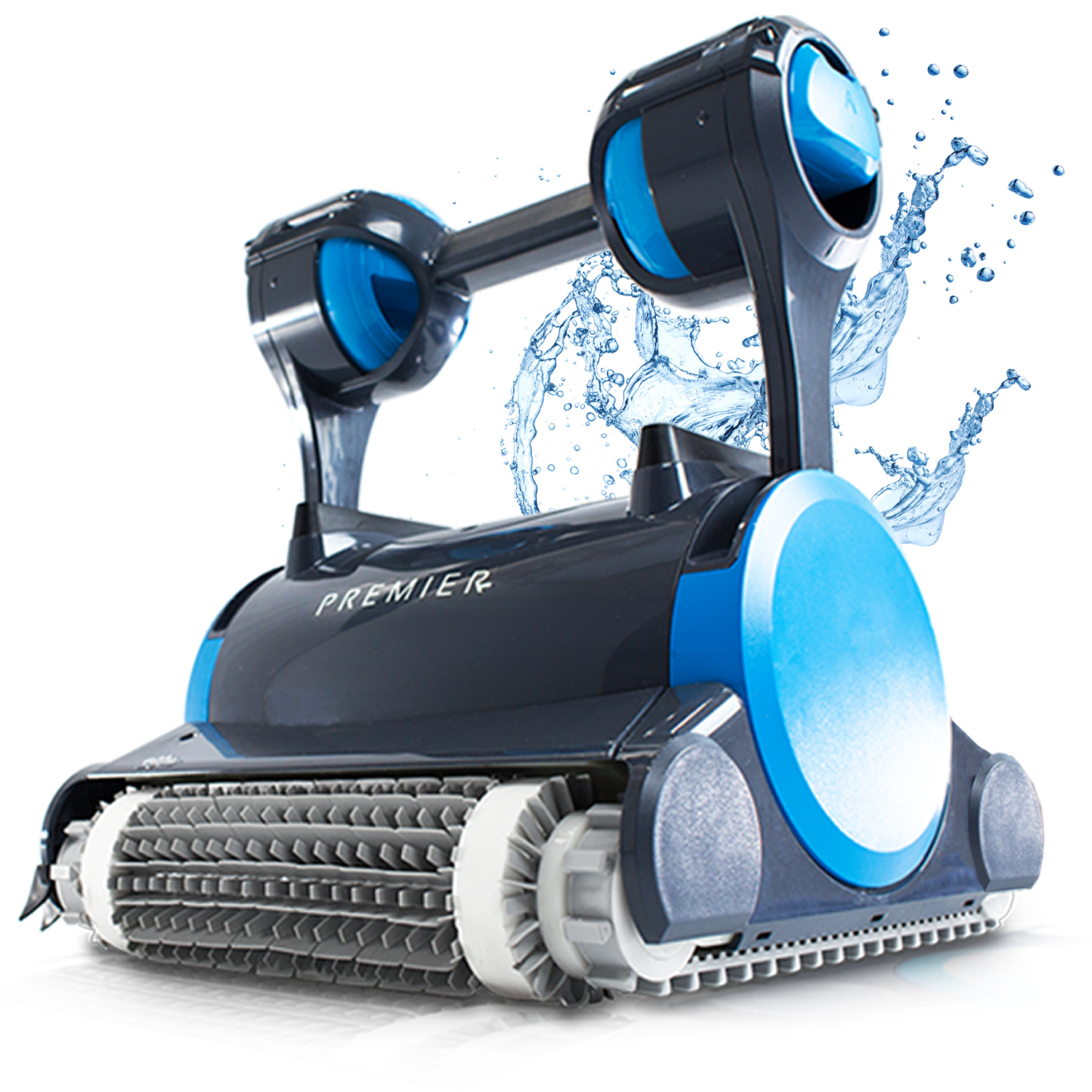
Simplest set-and-forget timer
Dolphin Premier
The Premier's weekly timer lives on the power supply and offers three presets: every day, every 2 days or every 3 days. What makes it the leader is everything that supports an unattended week. The Multi-Media system includes an oversized leaf bag, so several cycles of debris fit between empties, and a full-filter indicator on the power supply tells you when it is time. The cable has a 360-degree swivel, useful on a robot that waits in the water between cycles, and the warranty is 3 years.
- Best for
- Owners who want to press one button, pick an interval and never think about a phone.
- Keep in mind
- Intervals only: you cannot choose Tuesday and Friday. At 20.3 lb it is a heavier weekly lift than the Quantum.
- 2
 $2349
$2999Save $650Temporarily out of stock
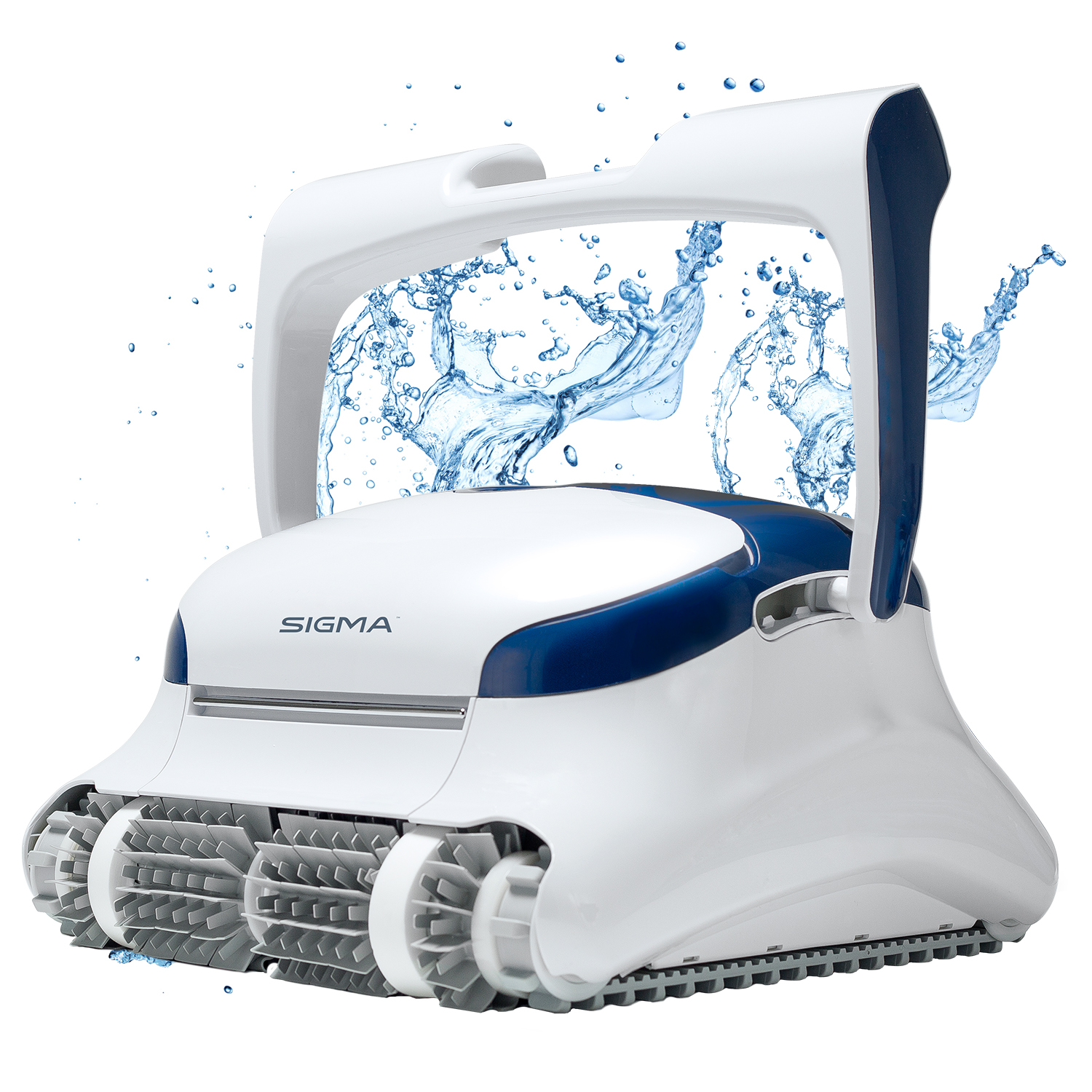
A true weekly calendar, by day and time
Dolphin Sigma
The Sigma is the one pick where the word weekly is literal. In the myDolphin Plus app you choose which days the robot runs and at what time, so the schedule can follow your week: the day after mowing, the morning before guests. The app connects by Wi-Fi or Bluetooth, and its filter alert is the reminder a scheduled robot most needs. Three ProLine motors, quad brushes and a 2.5-hour cycle do the cleaning. It is second because the schedule depends on a phone and the price is the highest here.
- Best for
- Owners who want the robot to run on named days at set times and are happy to use an app.
- Keep in mind
- No scheduling without the app, the highest price here, and 24.6 lb to lift when the filters need rinsing.
- 3
 $1599
$1799Save $200Temporarily out of stock
Presets on the power supply, plus an app
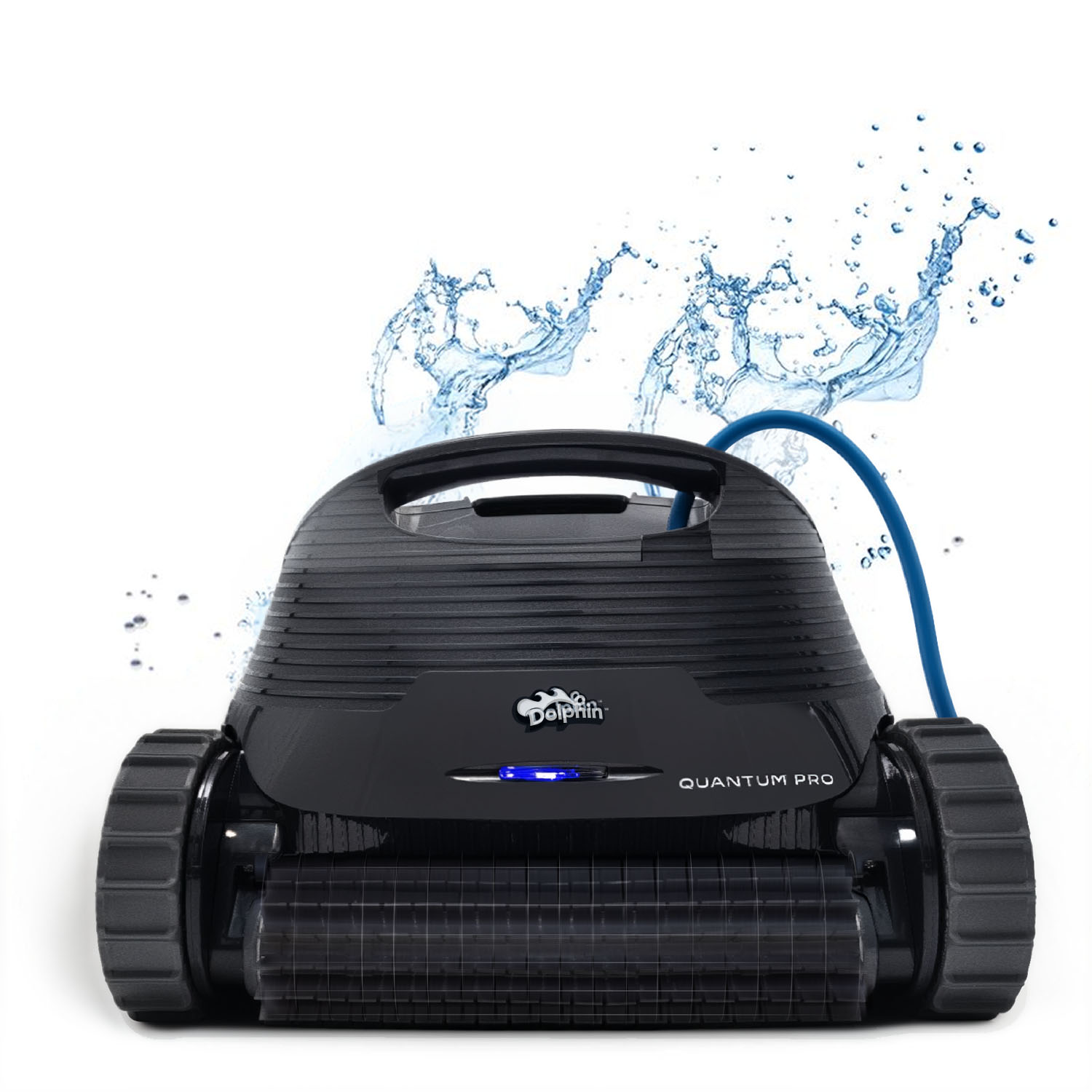
Dolphin Quantum
The Quantum carries the same kind of timer as the Premier, set on the power supply: every day, every 2 days or every 3 days. It also schedules in the myDolphin Plus app over Wi-Fi, so you can start with the button and move to the app later. For a robot that stays in the pool, the XXL MaxBin basket matters: over 400 square inches of filter area holds a lot between empties. The cycle is 2 hours, and it is the lowest-priced of the 50 ft picks.
- Best for
- Owners who want a button timer today and the option of app scheduling later, at a lower price.
- Keep in mind
- The warranty is 2 years, a year less than the two robots above it, and water flow is a little lower.
- 4
 $1049
$1299Save $250Temporarily out of stock
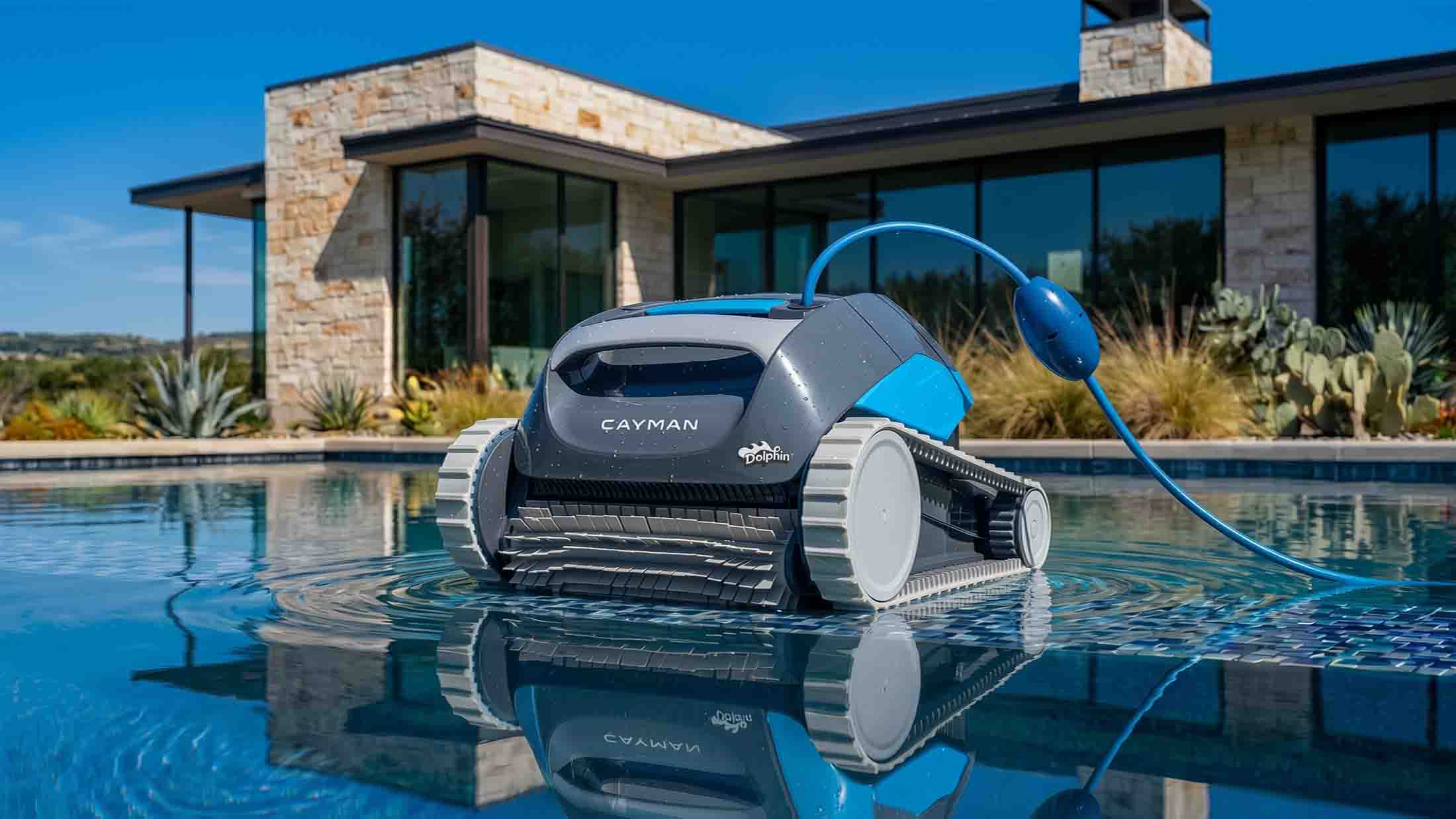
One setting: every day
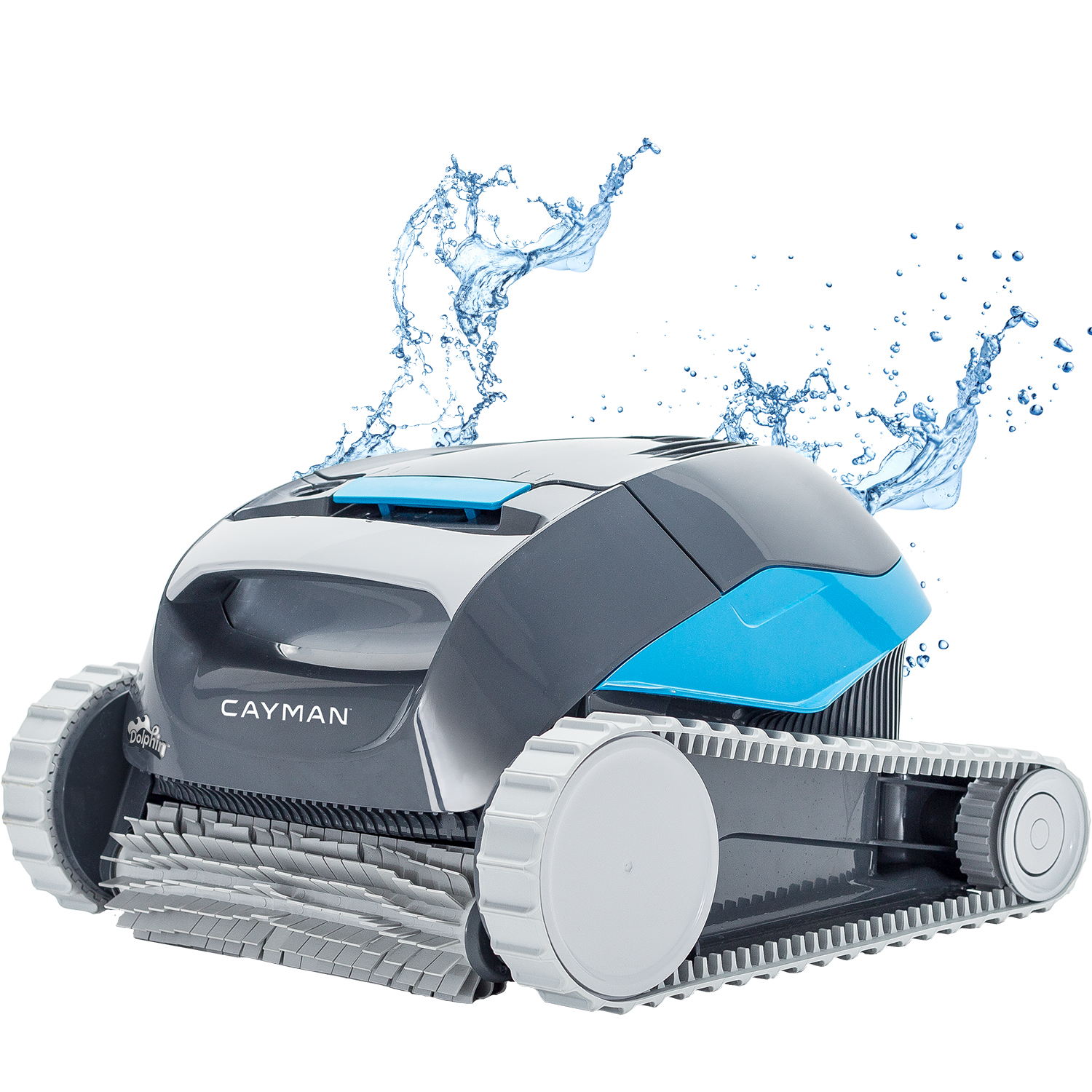
Dolphin Cayman
The Cayman's timer does one thing. Switch it on and the robot runs a 2-hour cycle every day, with no interval to choose and nothing to program. For a pool that collects debris daily, that is the right rhythm and the simplest possible control. The robot is rated for pools up to 33 ft, in-ground or above-ground, and at 14.6 lb the weekly lift to empty the top-hatch MaxBin is easy. It is the lowest-priced pick here with a built-in timer. It is fourth because one setting is all you get.
- Best for
- Pools up to 33 ft that need cleaning daily, and owners who want a timer with nothing to set.
- Keep in mind
- The timer cannot be spaced out: it is daily or off. For gaps between cycles, choose one of the three robots above.


How to judge a robot for this
What to check on any timer.
- 1
How many rhythms it offers
A pool under trees wants a cycle every day in fall and far fewer in July. A timer with several intervals follows the season. A timer with one setting works when that setting happens to match your pool.
- 2
Where you set it
A button on the power supply needs no phone, no account and no signal, and anyone in the house can use it. An app adds exact days and times but depends on the phone and the connection.
- 3
How much the filter holds
A timer starts the robot; it does not empty it. Between your visits the filter has to hold several cycles of debris. Generous filter area and a full-filter warning are what make a schedule practical.
- 4
Warranty terms for frequent use
Scheduled robots run far more cycles than hand-started ones. The warranties on all four picks are described as not prorated and not limited by cycle count, so running often does not shorten the cover.
Side by side
Timers and specs, side by side.
| Specification | Dolphin Premier | Dolphin Sigma | Dolphin Quantum | Dolphin Cayman |
|---|---|---|---|---|
| Price today | $1949 | $2349 | $1599 | $1049 |
| Cleans | Floor, walls and waterline | Floor, walls and waterline | Floor, walls, waterline, sun shelves and stairs | Floor and walls |
| Scheduling | Weekly timer: every day, every 2 days or every 3 days | Weekly scheduler by day and time | Weekly timer: every day, every 2 days or every 3 days | Timer: every day |
| App | No app; controls on the power supply | myDolphin Plus (Wi-Fi and Bluetooth) | myDolphin Plus (Wi-Fi) | No app; controls on the power supply |
| Filtration | Multi-Media: NanoFilters, oversized leaf bag and standard fine filters | NanoFilters and standard filter cartridges | XXL MaxBin basket with standard and NanoFilter panels | MaxBin basket with fine panels; NanoFilter panels optional |
| Brushes | Dual scrubbing brushes | Quad scrubbing brushes | Dual HyperBrush | HyperBrush |
| Navigation | SmartNav 2.0 | SmartNav 3.0 with gyroscope | SmartNav 2.0 | SmartNav 2.0 |
| Cable | 55 ft with 360° anti-tangle swivel | 55 ft with 360° anti-tangle swivel | 55 ft with anti-tangle swivel | 50 ft |
| Warranty | 3 years | 3 years | 2 years | 2 years |
What a weekly timer means on each robot.
The phrase sounds like one feature. It is three, plus an optional upgrade. An interval timer repeats a cycle after a fixed gap and does not know what day it is. A weekly calendar runs on the days and times you name. A daily timer runs once a day, full stop. The table includes the Escape, which is not a pick because it has no timer as standard.
The interval and daily timers are set on the power supply. Start the first cycle at the hour you want the repeats to fall, then confirm in your manual how the power supply counts the gap.
| Robot | Timer type | Settings | Set on |
|---|---|---|---|
| Dolphin Premier | Interval presets | Every day, every 2 days, every 3 days | Power supply |
| Dolphin Quantum | Interval presets, plus app schedule | Every day, every 2 days, every 3 days | Power supply or app |
| Dolphin Sigma | Weekly calendar | Days and times you choose | myDolphin Plus app |
| Dolphin Cayman | Daily timer | Every day only | Power supply |
| Dolphin Escape | None as standard | Optional Automation Timer: every 24, 48 or 72 hours | Optional power supply |
Match the rhythm to the debris.
Choose the rhythm by how fast the pool gets dirty, not by habit. If the honest answer is daily, any of the four picks will do it, including the Cayman at the lowest price of the four. If the answer changes with the season, you want presets or a calendar.
- Daily: trees overhead, a dog that swims, or children in the water every afternoon.
- Every 2 days: the usual summer setting for an open pool with normal use.
- Every 3 days: screened pools, light use, or cooler months when little blows in.
- Named days: when the calendar matters more than the count. That calls for an app schedule.
A timer does not empty the filter.
A robot on a timer is made to stay in the water between scheduled cycles. It still needs you on a schedule of your own. Lift it out at least once a week to empty and rinse the filter, and more often in leaf season; a packed filter turns the next cycle into a slow lap of the pool. Take it out before you shock or add chemicals. If the pool will sit unused for a long stretch, store the robot out of the water and out of direct sun. And set cycles for hours when nobody is swimming.
Setting up a timed routine.
- Begin with frequent cycles for two weeks and note how full the filter is at each empty. If it comes out light, lengthen the gap.
- Pick a fixed day each week for the lift-and-rinse, the same way you pick a day for the skimmer basket.
- Before you shock the pool, lift the robot out and switch the timer off until the water is back in range.
- After a storm, empty the filter before the next scheduled cycle, not after it.
Questions, answered
Timer questions.
Can a robotic pool cleaner with weekly timer stay in the pool all week?
Yes, that is what the timer is for. The robot rests on the floor between cycles and starts itself. It is not a permanent fixture, though. It comes out weekly for a filter rinse, before any chemical treatment, and for dry, shaded storage when the pool is closed or unused for a long stretch.
Do I need Wi-Fi or a phone to use the timer?
Not on three of the four picks. The Premier, Quantum and Cayman timers are set with a button on the power supply and need no phone or Wi-Fi. The Sigma is the exception: its weekly scheduler lives in the myDolphin Plus app, so you set it from a phone.
Can the Cayman's timer skip days?
No. It has one setting, and that setting runs a cycle every day. You can switch the timer off and start cycles by hand whenever you like, but it will not space them out for you. If you want the robot to rest between cycles on its own, look at the Premier or the Quantum, whose timers offer longer gaps.
Will running every day wear the robot out faster?
It adds hours, and brushes and tracks wear by the hour on any robot, so expect to replace them sooner than an owner who runs twice a week. The warranties on these four picks are described as not limited by cycle count. If the filter comes out nearly empty each time, the pool does not need a daily cycle.
The verdict
Pick the rhythm, then the robot.
If you want to choose the gap between cycles with one button, buy the Premier, or the Quantum if price matters more than the longer warranty. If you want named days and times, the Sigma is built around a weekly calendar. If your pool simply needs cleaning every day and is 33 ft or shorter, the Cayman's single setting is enough and costs the least of the four. Then put a weekly filter rinse on your own calendar.
Keep reading